
Start visibly
Review what a script does before enabling it and keep per-script control.
Install, inspect, edit, enable, and organize JavaScript or CSS userscripts without leaving Pivit.
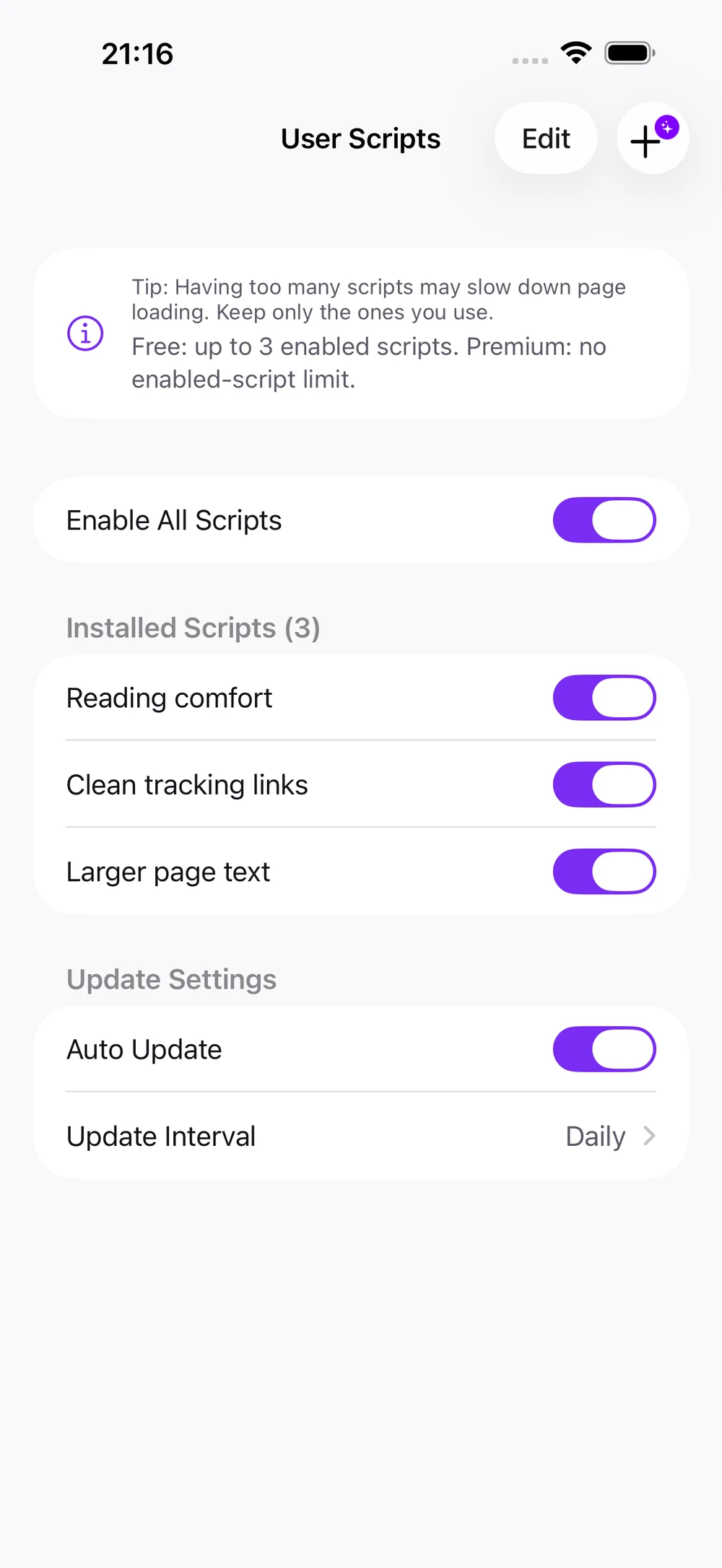
Review what a script does before enabling it and keep per-script control.
Use scripts to reduce repetitive page work and shape familiar sites around your needs.
Disable or remove scripts at any time; scripts cannot install native apps or escape the iOS sandbox.
Browse scripts at the source, review the code and requested access, then install only what you trust. Availability and compatibility vary by script and website.
Pivit is independent from these services and does not review or endorse every script they host.
Alook emphasizes an all-in-one browser and JavaScript extensions; Gear emphasizes Web Extensions and UserScripts; Orion emphasizes privacy and extensions; Userscripts is a dedicated Safari script-and-style manager. Pivit combines userscripts with a browser, media playback, privacy controls, downloads, and files.
Find a .user.js script on Greasy Fork, OpenUserJS or its original repository. Read the description and source first.
Open the script link in Pivit and review its installer, or add its URL from the userscripts page.
Check matching websites and requested access, enable it, then return to the target page.
Pivit has its own JavaScript and CSS userscript runtime and implements a set of GM APIs. Scripts written for desktop Tampermonkey or Greasemonkey may need changes for iOS, page structure or APIs Pivit does not implement. Pivit is independent from these projects and is not their official extension.